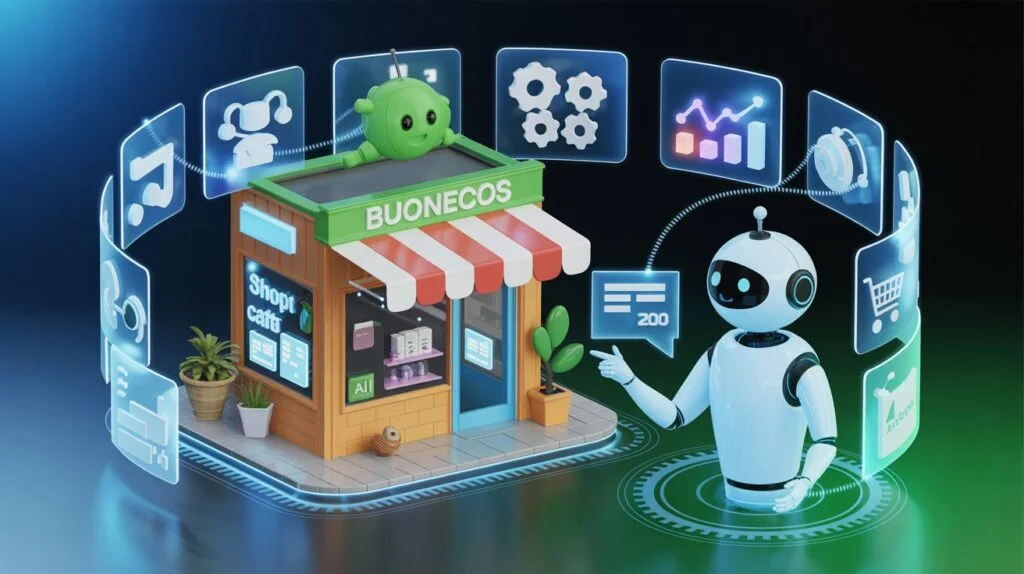

Artificial intelligence is rapidly transforming the way businesses and individuals manage daily operations, especially in the realm of virtual assistance. By integrating AI-driven tools into routine workflows, organizations can automate repetitive tasks, improve accuracy, and provide faster support to clients and teams. Understanding how to use AI for virtual assistant services can unlock new levels of efficiency and productivity, whether you’re a small business owner, a freelancer, or part of a larger enterprise.
In this guide, we’ll break down the practical applications of AI in virtual support roles, explore the benefits and challenges, and share actionable steps to get started. If you’re interested in broader applications of artificial intelligence in business, you might also find value in our article on how to use ai for fleet management optimization.
Understanding AI-Powered Virtual Assistance
Virtual assistants powered by artificial intelligence leverage advanced algorithms, natural language processing, and machine learning to handle a wide range of administrative and support tasks. Unlike traditional assistants, AI solutions can operate 24/7, scale rapidly, and adapt to changing requirements with minimal human intervention.
Some of the most common areas where AI enhances virtual assistant services include:
- Email management and automated responses
- Calendar scheduling and meeting coordination
- Data entry, document processing, and file organization
- Customer support through chatbots and virtual agents
- Research, reporting, and information retrieval
These capabilities allow businesses to streamline workflows, reduce manual errors, and free up human resources for higher-value activities.

Key Benefits of Using AI in Virtual Assistant Tasks
Adopting artificial intelligence for virtual support roles brings several advantages:
- Efficiency: AI can process large volumes of data and requests much faster than manual methods.
- Accuracy: Machine learning models reduce the risk of human error in repetitive tasks.
- Availability: Virtual assistants powered by AI can operate around the clock, providing support outside of standard business hours.
- Scalability: As your business grows, AI solutions can handle increased workloads without the need for additional staff.
- Cost savings: Automating routine activities reduces labor costs and allows teams to focus on strategic initiatives.
For organizations navigating remote work and digital transformation, these benefits are especially valuable. If you’re interested in how AI is shaping remote collaboration, see our insights on the impact of ai on remote work culture.
Popular AI Tools for Virtual Support Roles
There is a growing ecosystem of AI-powered platforms designed to enhance virtual assistant services. Some widely used options include:
- Chatbots and conversational agents: Tools like ChatGPT, Google Dialogflow, and Microsoft Bot Framework can handle customer queries, book appointments, and provide instant support.
- Task automation platforms: Zapier, Make (formerly Integromat), and UiPath allow users to automate workflows across multiple apps and services.
- Email and calendar assistants: Solutions such as x.ai and Clara automate meeting scheduling, reminders, and follow-ups.
- Document management AI: Tools like Otter.ai and Grammarly assist with transcription, editing, and organizing written content.
When selecting an AI tool, consider factors like integration capabilities, ease of use, data security, and the specific needs of your business or clients.

How to Implement AI for Virtual Assistant Services
Getting started with AI-driven virtual support involves several key steps:
- Identify repetitive and time-consuming tasks: List out activities that could benefit from automation, such as email triage, appointment scheduling, or data entry.
- Research suitable AI tools: Evaluate platforms that specialize in your target tasks. Look for solutions with strong user reviews, robust support, and proven results.
- Test and pilot: Start with a small-scale implementation to assess the tool’s effectiveness and compatibility with your existing systems.
- Train your team: Provide training and resources to ensure everyone understands how to use the new AI assistant effectively.
- Monitor and optimize: Regularly review performance metrics, gather feedback, and make adjustments to maximize value.
For a deeper dive into optimizing business operations with artificial intelligence, our guide to ai for warehouse automation explores similar principles applied to logistics and inventory management.
Best Practices for Maximizing AI in Virtual Assistant Workflows
To ensure successful adoption of AI in virtual support roles, follow these best practices:
- Start small and scale: Begin with one or two processes before expanding AI usage across more complex workflows.
- Maintain human oversight: While AI can handle many tasks, human supervision is essential for quality control and exception handling.
- Prioritize data privacy: Choose tools that comply with relevant data protection regulations and offer strong security features.
- Continuously train AI models: Regularly update and refine your AI assistant’s knowledge base to improve accuracy and relevance.
- Integrate with existing tools: Ensure your AI solutions work seamlessly with your current software stack for maximum efficiency.
For more tips on safeguarding sensitive information in AI-driven environments, check out our article on tips for protecting trade secrets in ai prompts.
Challenges and Considerations When Using AI for Virtual Support
While the advantages are significant, there are also challenges to address when deploying AI in virtual assistant roles:
- Initial setup and training: Implementing new AI tools may require time and resources for configuration and onboarding.
- Data quality: AI performance depends on the quality and consistency of the data it processes.
- Change management: Teams may need support to adapt to new workflows and trust AI-driven processes.
- Ethical considerations: Transparency, fairness, and accountability are critical when automating decision-making tasks.
To address these challenges, involve stakeholders early, set clear expectations, and establish guidelines for responsible AI use. For additional perspectives, this resource on effective AI adoption for small businesses offers practical advice on implementation and efficiency.
FAQ: AI and Virtual Assistant Services
What types of tasks can AI-powered virtual assistants handle?
AI virtual assistants can manage a wide range of activities, including scheduling, email management, customer support, data entry, research, and document organization. Their capabilities continue to expand as technology evolves.
Is it difficult to integrate AI tools with existing business software?
Many modern AI platforms offer integrations with popular business applications, making setup straightforward. However, some customization may be needed for specialized workflows or legacy systems.
Are there privacy risks when using AI for virtual assistant services?
Data privacy is a key consideration. Choose AI tools that comply with industry standards and regulations, and ensure sensitive information is handled securely. Regularly review privacy policies and access controls to protect your data.
Conclusion
Leveraging artificial intelligence for virtual assistant roles can significantly enhance productivity, accuracy, and scalability for businesses of all sizes. By carefully selecting the right tools, following best practices, and addressing potential challenges, organizations can unlock the full potential of AI-driven support. As the technology matures, staying informed and adaptable will be key to maintaining a competitive edge in the digital workplace.