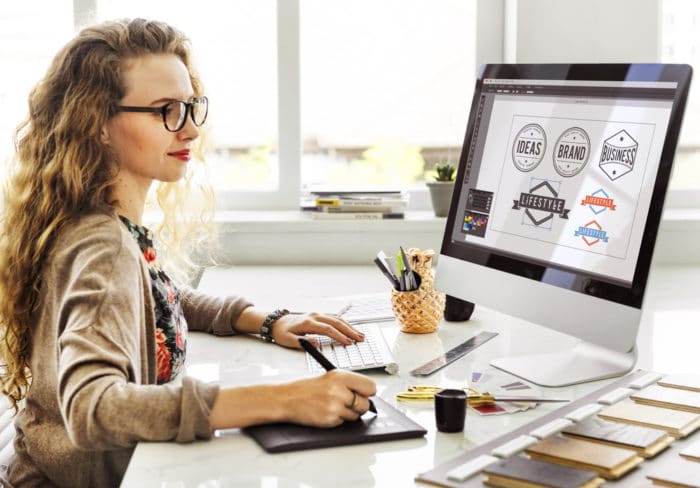

Building a strong brand identity is essential for any business or personal project. Yet, not everyone has the time, budget, or expertise to hire a professional designer. Fortunately, there are a variety of branding tools for non designers that make it possible to create polished, professional-looking visuals without advanced skills. These platforms offer intuitive interfaces, ready-made templates, and step-by-step guidance, empowering anyone to develop cohesive branding assets that stand out.
Whether you’re launching a startup, managing a side hustle, or refreshing your online presence, leveraging the right resources can help you look credible and consistent across all channels. If you’re also interested in learning how to improve brand engagement, combining these tools with smart strategy can amplify your impact even further.
Why Non Designers Need Branding Solutions
Branding is more than just a logo—it’s the visual and emotional impression you leave with your audience. For those without a design background, creating a cohesive look can feel overwhelming. The right branding tools for non designers remove technical barriers, offering:
- Pre-designed templates for logos, social media, and marketing materials
- Drag-and-drop editors that require no design experience
- Color palette generators to ensure visual harmony
- Font pairings and icon libraries for consistent style
These features help you maintain a unified appearance, which is crucial for building trust and recognition in any market.
Top Platforms That Simplify Branding
Several online platforms have emerged to support those who want to look professional without hiring a designer. Here are some of the most popular and effective options:
1. Logo Makers
Logo creation is often the first step in branding. Online logo makers offer guided processes, allowing users to select icons, fonts, and colors that fit their vision. Many tools provide instant previews and downloadable files in multiple formats. For more tips, you can explore guides on how to create a professional logo even without design experience.
2. All-in-One Design Suites
Platforms like Canva and Adobe Express provide a wide range of templates for social media posts, business cards, presentations, and more. Their intuitive interfaces and vast libraries of assets make it easy to maintain a consistent brand look across all materials. These suites often include collaboration features, so teams can work together seamlessly.

3. Color Palette Generators
Choosing the right colors is vital for brand recognition. Color palette tools help you select harmonious color schemes that reflect your brand’s personality. Some platforms even allow you to generate palettes from images or explore trending color combinations. For a deeper dive into color psychology and selection, see advice on how to choose a brand color palette that conveys trust.
4. Font Pairing and Typography Tools
Typography plays a significant role in branding. Online tools suggest font pairings that work well together, ensuring your messaging is both readable and visually appealing. Many design platforms include curated font libraries, so you can experiment with different styles before settling on your brand’s signature look.
Essential Features to Look For
When evaluating branding tools for non designers, consider the following features to maximize your results:
- Ease of Use: Look for drag-and-drop interfaces and clear instructions.
- Template Variety: Access to a wide range of templates for different needs (logos, social posts, flyers, etc.).
- Customization: Ability to adjust colors, fonts, and layouts to match your vision.
- Export Options: Download assets in high-resolution formats suitable for print and digital use.
- Brand Kits: Some platforms let you save your color palette, logos, and fonts for easy reuse.
- Collaboration: Share projects with team members or clients for feedback and approval.
These features ensure that even those without a design background can produce high-quality, consistent branding assets.
How to Build a Cohesive Brand Without Design Skills
Consistency is the cornerstone of effective branding. Here’s how to use these tools to create a unified identity:
- Start with Your Logo: Use a logo maker to design a simple, memorable mark. Stick to two or three colors and a clear font.
- Define Your Color Palette: Use a palette generator to select colors that reflect your brand’s personality and values.
- Choose Fonts: Select one or two fonts for all your materials. Font pairing tools can help you find combinations that work well together.
- Create Templates: Use design suites to build templates for social media, email signatures, and business cards. This saves time and ensures consistency.
- Document Your Brand Elements: Keep a simple brand guide with your logo, colors, and fonts. Refer to it whenever you create new materials.
Staying Current With Branding Trends
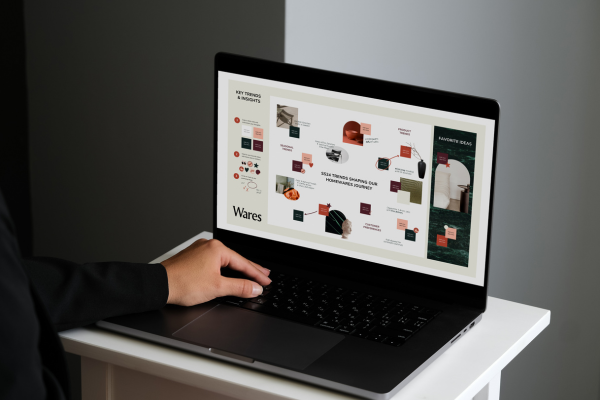
Branding trends evolve quickly, and staying updated can help your visuals remain fresh and relevant. Many online platforms regularly update their template libraries to reflect current styles. For more insights on the latest developments, you can check out branding tool trends and expert recommendations from industry leaders.
Common Mistakes to Avoid
Even with user-friendly tools, there are some pitfalls to watch out for:
- Overcomplicating Designs: Simplicity is key. Avoid cluttered layouts and too many colors or fonts.
- Ignoring Consistency: Use the same logo, colors, and fonts across all materials to build recognition.
- Using Low-Quality Images: Always export assets in high resolution for a professional finish.
- Neglecting Accessibility: Ensure good color contrast and readable fonts for all audiences.
By keeping these tips in mind, you can maximize the impact of your branding efforts and avoid common errors that undermine credibility.
FAQ
What are the best branding tools for beginners?
Popular options include Canva, Looka, and Adobe Express. These platforms offer intuitive interfaces, a wide range of templates, and helpful guides, making them ideal for those with little or no design experience.
How can I make my brand look professional without hiring a designer?
Focus on consistency by using the same logo, color palette, and fonts across all materials. Leverage online tools for templates and asset creation, and document your brand elements in a simple guide for easy reference.
Are free branding tools effective for small businesses?
Yes, many free tools offer robust features suitable for startups and small businesses. While premium versions unlock more options, the free tiers of platforms like Canva and Hatchful provide everything needed to create a polished brand identity.