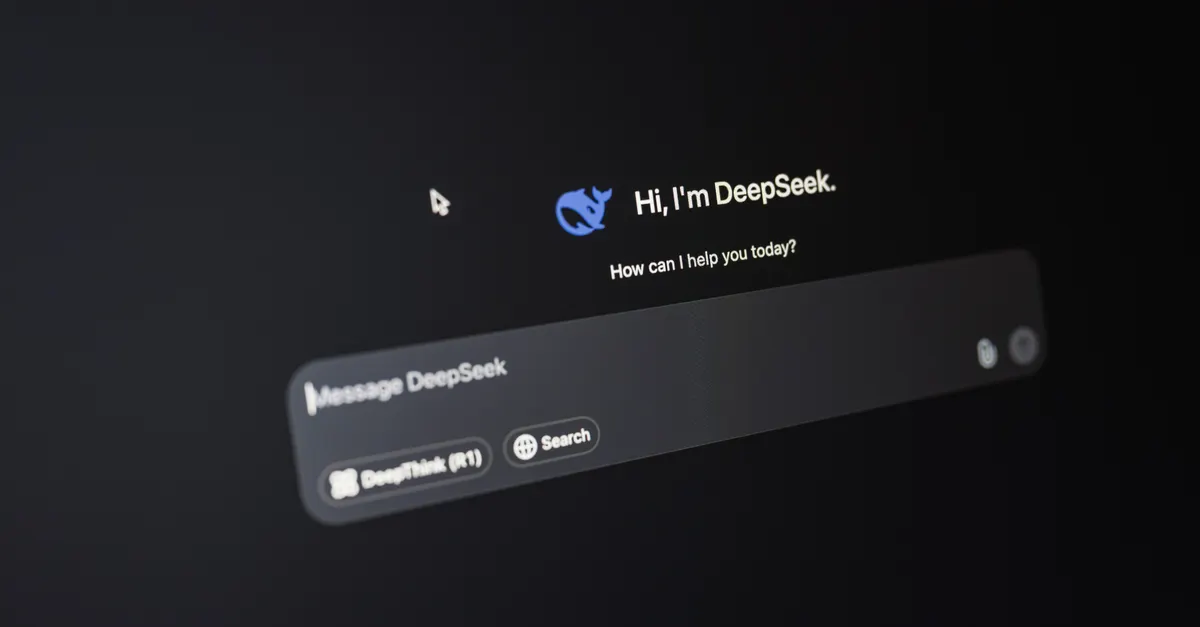

The rise of conversational interfaces has transformed how users interact with digital platforms, making chatbots an essential part of modern customer engagement. Crafting a seamless and intuitive chatbot user experience design is crucial for businesses aiming to provide efficient, human-like support while reducing operational costs. This article explores the key principles, best practices, and challenges of building chatbots that truly serve users’ needs, with a special focus on the interplay between user experience (UX) and user interface (UI) design.

Defining Chatbot UX Design and Its Importance
Chatbot user experience design refers to the process of creating conversational agents that guide users through tasks, answer questions, and resolve issues in a natural, intuitive manner. Unlike traditional interfaces, chatbots rely on text or voice-based interactions, requiring designers to anticipate user intent and ensure clarity at every step. For businesses, investing in thoughtful chatbot experiences can lead to higher customer satisfaction, increased efficiency, and significant cost savings by automating routine support tasks.
The importance of a well-designed chatbot extends beyond simple automation. A positive experience can foster trust, encourage repeat engagement, and differentiate a brand in crowded markets. Conversely, a poorly designed chatbot can frustrate users and damage a company’s reputation.
Distinguishing UX and UI in Chatbot Design
A common misconception is that UX and UI are interchangeable in chatbot development. In reality, they serve distinct but complementary roles. Chatbot UX focuses on the overall journey—the flow of conversation, how well the bot understands and responds to user needs, and the emotional tone it conveys. It’s about ensuring interactions feel logical, helpful, and human-like.
On the other hand, chatbot UI deals with the visual and interactive elements: the chat window’s appearance, button placement, icons, and how information is displayed. While UX determines what the user experiences, UI shapes how that experience is delivered visually.
For example, a chatbot designed to help users track orders must have a clear conversational flow (UX) that guides users to provide necessary information. Simultaneously, the chat interface (UI) should display order details, progress bars, or quick-reply buttons in an accessible and visually appealing manner. Both aspects must work together to create a cohesive experience.
This distinction is often overlooked, but understanding the difference allows teams to address both the functional and aesthetic needs of users. As highlighted in industry research, successful chatbot design integrates both UX and UI, balancing interaction flow with engaging visuals to maximize usability.
Best Practices for Effective Chatbot User Experience Design
Designing a chatbot that users genuinely appreciate involves more than just scripting responses. Here are several best practices grounded in industry evidence and practical experience:
- Define the Chatbot’s Purpose Clearly: Chatbots are most effective when focused on a specific set of tasks. Avoid trying to make your bot handle everything; instead, ensure it excels at its core functions, such as answering FAQs, processing orders, or providing account support.
- Design for Clarity and Brevity: Messages should be concise, avoiding jargon or overly technical language. Users appreciate straightforward instructions and quick, relevant responses.
- Guide the Conversation: Use prompts, quick-reply buttons, and clear options to steer users through the process. This reduces confusion and helps users complete their goals efficiently.
- Set Expectations Early: Let users know what the chatbot can and cannot do. If human assistance is available, make it easy to escalate the conversation when needed.
- Leverage Natural Language Processing (NLP): Incorporate NLP to interpret varied user inputs and respond appropriately. Even basic NLP can make interactions feel more natural and less robotic.
- Test and Iterate: Gather feedback from real users and use analytics to identify pain points. Continuously refine the chatbot’s flow, language, and UI based on user behavior.
The growing adoption of chatbots is driven by their ability to reduce customer service costs and provide instant, round-the-clock support. By following these practices, businesses can ensure their bots deliver real value, not just automation.
For those interested in broader strategies, exploring AI for improving user experience can offer additional insights into optimizing digital interactions.
Common Challenges in Creating Chatbot Experiences
Despite their potential, designing chatbots that users love is not without obstacles. Some of the most frequent challenges include:
- Understanding User Intent: Users may phrase questions in unexpected ways, making it difficult for bots to interpret meaning without advanced NLP.
- Handling Ambiguity: When a user’s request is vague, the chatbot must know how to ask clarifying questions without causing frustration.
- Maintaining Context: Users expect chatbots to remember previous interactions within a session. Losing context can break the conversational flow and lead to repetitive questions.
- Balancing Automation with Human Touch: Not every issue can be resolved by a bot. Ensuring a smooth handoff to human agents when needed is essential for a positive experience.
- Designing for Accessibility: Chatbots should be usable by people with disabilities, including those relying on screen readers or voice commands.
Addressing these challenges requires a thoughtful approach to both the technical and human elements of chatbot design. Regular user testing and a willingness to adapt are key to overcoming these hurdles.
How Conversational AI Enhances Chatbot Design
At the heart of modern chatbot user experience design is conversational AI, which enables bots to understand, process, and respond to human language in a natural way. This technology goes beyond simple keyword matching, using machine learning and NLP to interpret intent, manage context, and even detect sentiment.
The result is a more fluid, human-like interaction that can handle complex queries and adapt to user preferences. For example, a conversational AI-powered chatbot can recognize when a user is frustrated and adjust its tone or escalate the issue to a live agent. This makes digital interactions feel less transactional and more personal.
Conversational AI also allows chatbots to deflect routine support tasks, freeing up human agents for more complex issues. This not only improves efficiency but also enhances the overall customer experience by providing instant answers to common questions.
Ultimately, integrating conversational AI into chatbot design is about making digital conversations as intuitive and helpful as possible, bridging the gap between human and machine communication.
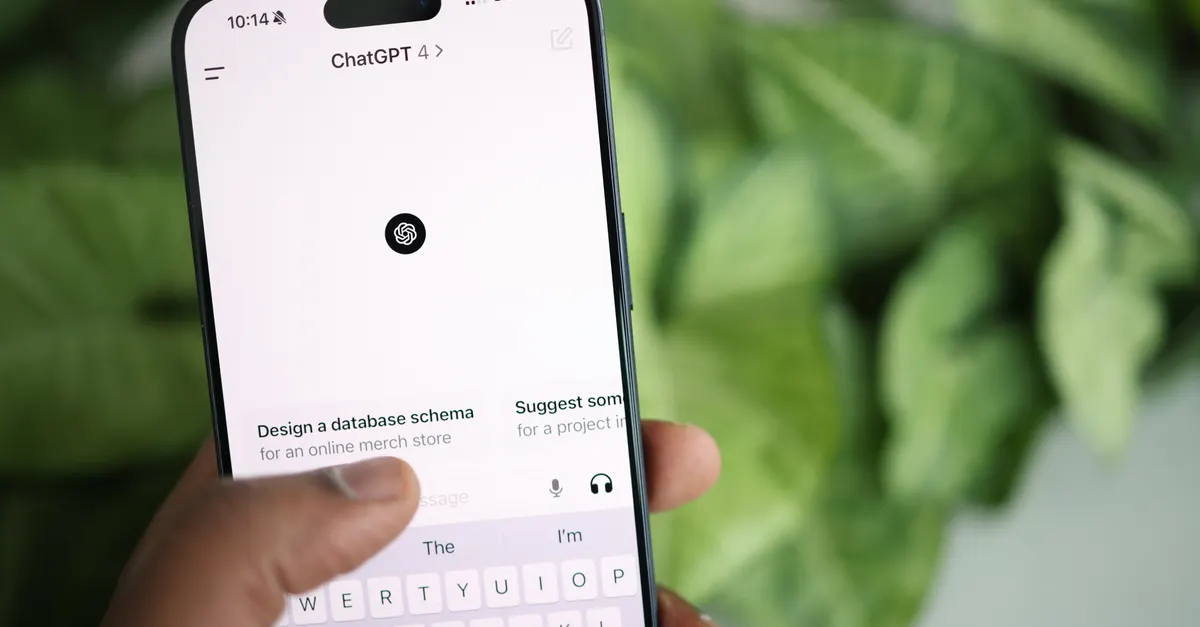
Conclusion: Preparing for the Future of Chatbot Experiences
The landscape of chatbot user experience design is evolving rapidly, driven by advances in AI and changing user expectations. Businesses that prioritize both UX and UI in their chatbot projects will be better positioned to deliver seamless, engaging, and accessible interactions.
Looking ahead, trends such as voice-enabled chatbots, multilingual support, and deeper personalization will shape the next generation of conversational interfaces. By staying informed about best practices and remaining flexible in their approach, organizations can ensure their chatbots remain valuable assets in delivering outstanding digital experiences.
Frequently Asked Questions
What is the difference between chatbot UX and UI?
Chatbot UX focuses on the overall flow and logic of the conversation, ensuring interactions are smooth and intuitive. Chatbot UI deals with the visual elements, such as the chat window, buttons, and icons, that present information to the user. Both are essential for a successful chatbot, but they address different aspects of the user’s experience.
How can businesses make their chatbots more user-friendly?
Businesses can improve chatbot usability by defining clear objectives, using simple language, guiding users with prompts, and incorporating feedback loops. Regular testing and updates based on user behavior are also crucial for maintaining a positive experience.
Why is conversational AI important in chatbot design?
Conversational AI enables chatbots to understand natural language, manage context, and respond in a human-like manner. This makes interactions more engaging and effective, allowing chatbots to handle complex queries and provide personalized support.