
Building a strong brand identity starts with a memorable logo. Yet, for startups, small businesses, or individuals on a tight budget, hiring a professional designer isn’t always practical. Fortunately, free logo maker tools have made it possible for anyone to create eye-catching logos without breaking the bank. These online platforms offer accessible design solutions, allowing you to experiment with styles, fonts, and colors until you find the perfect visual for your brand.
Whether you’re launching a new business, refreshing your brand, or simply need a quick logo for a side project, these tools provide a cost-effective way to get started. They’re user-friendly, require no design experience, and often include templates tailored to various industries. Before diving into the best options available, it’s important to understand how these platforms can fit into your overall branding strategy and what to look for when choosing one.
For those interested in taking their branding to the next level, understanding how to create a professional logo can help you make the most of these free resources and ensure your design stands out in a crowded market.
Why Use Free Logo Maker Tools?
There are several reasons why entrepreneurs and small business owners turn to free logo maker tools:
- Affordability: They eliminate the need for costly design services, making them ideal for those with limited budgets.
- Speed: You can generate a logo in minutes, which is perfect for tight deadlines or quick launches.
- Ease of Use: Most platforms offer intuitive drag-and-drop interfaces, so no design experience is required.
- Customization: With a wide range of templates, icons, and fonts, you can tailor your logo to fit your brand’s personality.
- Experimentation: Try out different styles and color schemes before committing to a final design.
While these tools are incredibly convenient, it’s important to remember that some may have limitations, such as restricted file formats or watermarked downloads. Always review the terms before finalizing your logo.
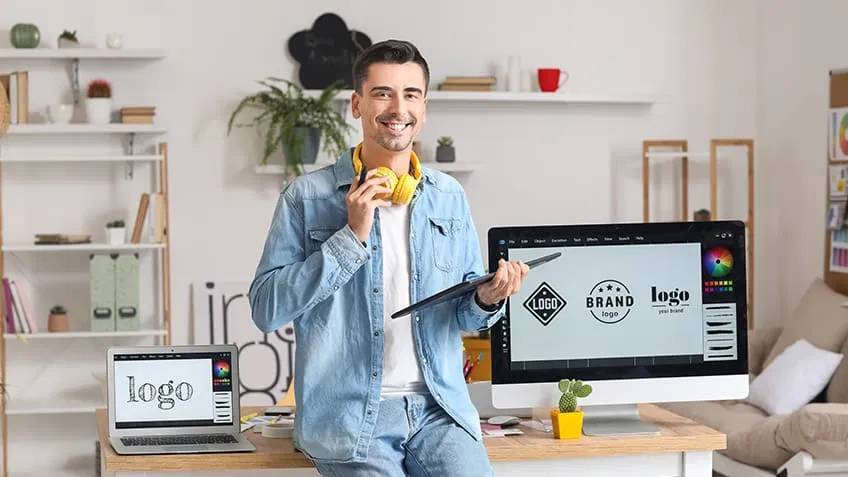
Key Features to Look for in No-Cost Logo Generators
Not all free logo maker tools are created equal. When selecting a platform, consider these essential features:
- Template Variety: Look for platforms with a broad selection of templates relevant to your industry.
- Customization Options: The ability to adjust fonts, colors, icons, and layouts is crucial for a unique result.
- File Formats: Ensure you can download your logo in high-resolution formats like PNG, SVG, or PDF for various uses.
- Commercial Rights: Check if the platform grants you full rights to use your logo for business purposes.
- No Watermarks: Some tools add watermarks to free downloads; opt for those that provide clean, usable files.
Evaluating these aspects will help you choose a tool that meets your needs and avoids unexpected limitations down the road.
Popular Free Logo Maker Tools for Every Need
There are several standout platforms that make logo creation both simple and effective. Here are some of the most widely used options:
- Canva: Known for its versatile design tools, Canva offers a robust logo maker with hundreds of templates and easy customization. You can export logos in various formats and even animate them for digital use.
- Hatchful by Shopify: This tool is tailored for entrepreneurs and small businesses, providing industry-specific templates and a straightforward design process.
- Looka: Using AI-powered suggestions, Looka helps users generate modern logos with minimal effort. While some features are paid, basic downloads are available for free.
- LogoMakr: A simple drag-and-drop interface makes LogoMakr accessible to beginners. Free downloads are available in low resolution, with high-res files offered at a small fee.
- Ucraft Logo Maker: Ucraft provides a clean interface and allows you to export your logo as a free PNG, making it a great choice for web use.
Each of these platforms has its own strengths, so it’s worth trying a few to see which best aligns with your brand vision and technical requirements.
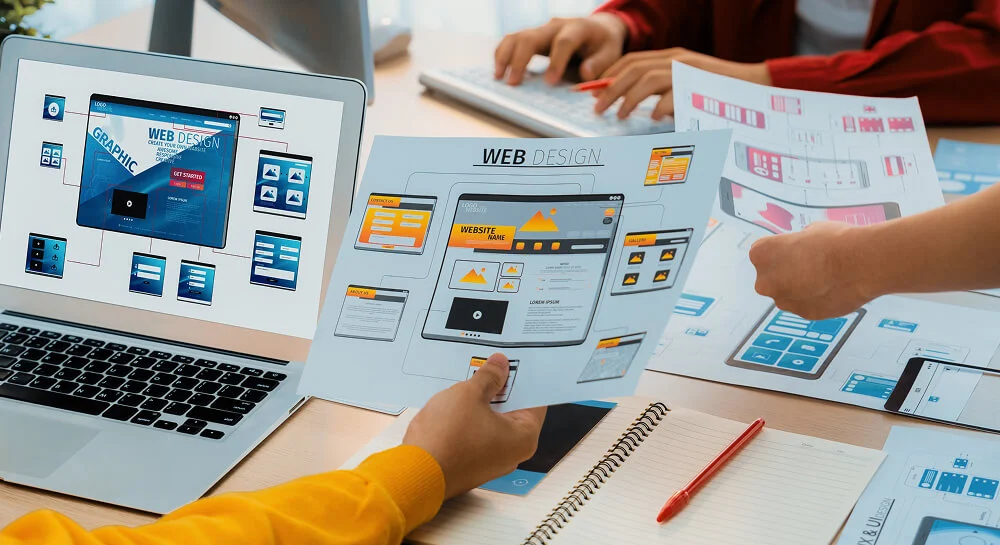
Tips for Creating a Memorable Logo on a Budget
Even with the best free logo maker tools, a successful logo depends on thoughtful design choices. Here are some practical tips to help you get the most from these platforms:
- Keep It Simple: Minimalist designs are often the most versatile and memorable. Avoid clutter and focus on a clear message.
- Choose Colors Wisely: Select a color palette that reflects your brand’s personality and is consistent with your overall identity. For more guidance, see our article on how to choose a brand color palette.
- Pick Readable Fonts: Ensure your text is legible at all sizes. Stick to one or two complementary fonts for a professional look.
- Test Across Mediums: Preview your logo on different backgrounds and devices to ensure it looks great everywhere.
- Get Feedback: Share your logo with colleagues or friends to gather opinions before finalizing your design.
Remember, your logo is often the first impression customers have of your brand. Taking the time to refine your design—even with free tools—can pay off in credibility and recognition.
Integrating Your Logo into a Broader Branding Strategy
Once you’ve created your logo, it’s important to use it consistently across all touchpoints—website, social media, packaging, and marketing materials. Consistency builds trust and helps customers remember your business. For actionable advice on building a cohesive brand presence, explore resources like online branding strategies for small businesses.
Additionally, monitoring how your brand is perceived online is crucial. Learn more about how to monitor brand reputation and take control of your narrative as your business grows.
Common Pitfalls to Avoid When Using Free Logo Makers
While these platforms are powerful, there are some common mistakes to watch out for:
- Overused Templates: Relying too heavily on default designs can make your logo look generic. Always customize elements to reflect your unique identity.
- Ignoring Licensing Terms: Some tools restrict commercial use or require attribution. Double-check usage rights before using your logo in business materials.
- Low-Resolution Files: Make sure you download your logo in a format suitable for both digital and print use. Blurry or pixelated logos can harm your brand image.
- Neglecting Brand Consistency: Your logo should align with your brand’s voice, values, and other visual elements. Inconsistencies can confuse customers.
By staying aware of these issues, you can make the most of free resources while maintaining a professional appearance.
FAQ: Free Logo Creation and Branding
Are free logo maker tools suitable for established businesses?
While these platforms are ideal for startups and small businesses, established companies may require more advanced customization or unique designs. However, they can still be useful for quick projects, internal branding, or testing new ideas before investing in professional services.
Can I trademark a logo created with a free online tool?
It depends on the platform’s licensing terms and whether your design is unique. Many tools allow commercial use, but if your logo closely resembles others or uses stock icons, trademarking may be difficult. Always review the terms and consider consulting a legal expert if trademark protection is important for your business.
What should I do if I want to update my logo later?
Most free logo makers let you revisit your design and make changes as your brand evolves. Keep your original files and account details so you can access and edit your logo in the future. If you outgrow the tool’s capabilities, you can provide your logo as a reference to a professional designer for further refinement.
For more insights on building a strong brand, check out our guide on how to improve brand engagement and discover strategies to connect with your audience online.