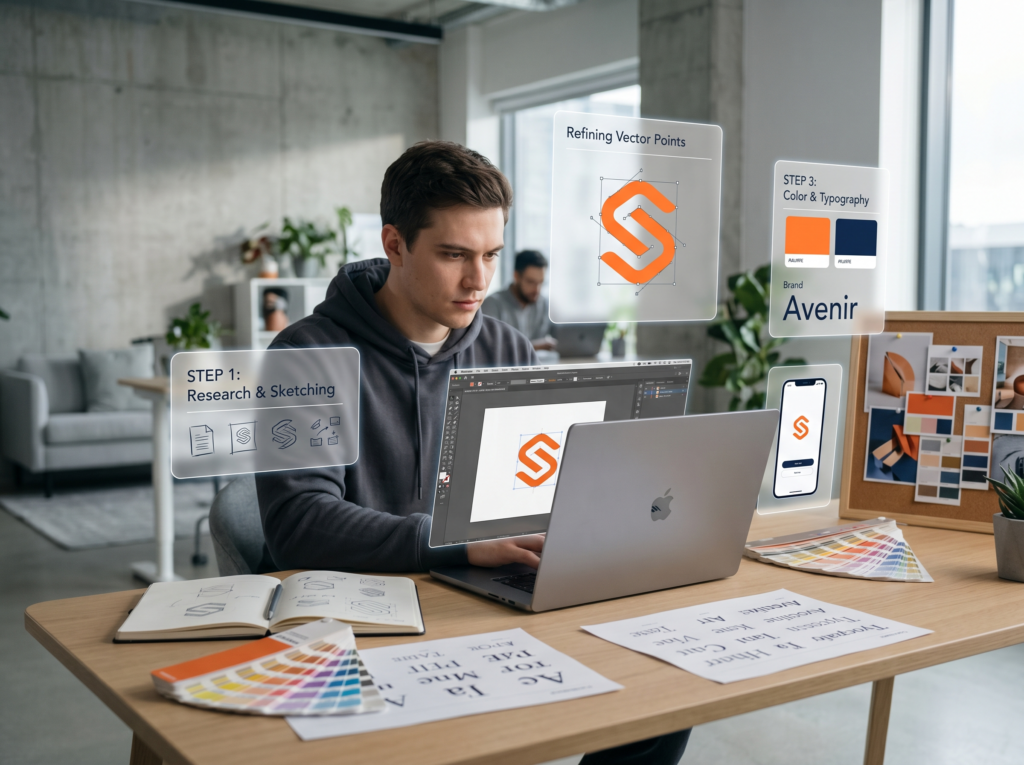

Building a strong digital identity is essential for any business or personal brand aiming to stand out in today’s crowded online landscape. With countless platforms and applications available, choosing the right solutions for your branding needs can be overwhelming. This online branding tools comparison guide provides a clear overview of leading platforms, highlighting their strengths, weaknesses, and ideal use cases. Whether you are a startup, freelancer, or established company, understanding your options will help you make informed decisions and maximize your brand’s impact.
Before diving into the detailed reviews, it’s important to recognize how branding tools can influence your overall strategy. From logo design and visual asset creation to reputation management and social media engagement, the right toolkit can streamline your workflow and ensure consistency across all digital touchpoints. If you’re also interested in optimizing your brand’s presence on social platforms, check out our guide on how to improve brand engagement for actionable tips.
Why Use Digital Branding Platforms?
Modern branding is more than just a logo or a catchy slogan. It’s about delivering a cohesive message and visual identity across all channels. Digital branding platforms offer a range of features that help you:
- Design professional logos and graphics without advanced design skills
- Maintain brand consistency with templates and asset libraries
- Monitor and manage your reputation online
- Analyze brand performance and audience engagement
- Collaborate with team members or external partners efficiently
With so many options available, comparing online branding tools is crucial to finding the best fit for your needs and budget.
Key Criteria for Evaluating Branding Solutions
When conducting an online branding tools comparison, consider the following factors to ensure you select the right platform:
- Ease of Use: Is the interface intuitive for beginners and advanced users alike?
- Features: Does it offer logo creation, brand guidelines, asset management, and analytics?
- Integration: Can it connect with other tools you use, such as social media schedulers or website builders?
- Pricing: Are there free plans, trials, or scalable pricing tiers?
- Support: Is customer support responsive and helpful?
Let’s explore some of the most popular platforms and how they stack up in these areas.
Top Platforms for Digital Brand Management
Below is a comparison of widely-used branding platforms, focusing on their core features and best use cases:
| Platform | Main Features | Best For | Pricing |
|---|---|---|---|
| Canva | Drag-and-drop design, templates, brand kits, team collaboration | Small businesses, freelancers, marketers | Free & Pro plans |
| Looka | AI-powered logo maker, brand guidelines, asset downloads | Startups, entrepreneurs | One-time & subscription |
| Tailor Brands | Logo design, business cards, website builder, social tools | New businesses, solopreneurs | Subscription |
| Brandfolder | Digital asset management, brand guidelines, analytics | Medium to large teams, agencies | Custom pricing |
| Hootsuite | Social media scheduling, monitoring, analytics | Brands focused on social presence | Subscription |
In-Depth Reviews: Strengths and Weaknesses
Canva: Versatile Design for All Skill Levels
Canva stands out for its user-friendly interface and extensive template library. It’s ideal for creating everything from logos to social media graphics and presentations. The brand kit feature allows you to store color palettes, logos, and fonts for consistent branding. While the free version is generous, advanced features like team collaboration and premium assets require a Pro subscription.
Looka: Fast Logo Creation with AI Assistance
Looka uses artificial intelligence to generate logo options based on your preferences. It’s a quick solution for startups needing a professional look without hiring a designer. The platform also provides brand guidelines and downloadable assets. However, customization is somewhat limited compared to full-featured design tools.
Tailor Brands: All-in-One Branding Suite
Tailor Brands offers more than just logo design. Its suite includes business card creation, website building, and social media tools. The platform is best for entrepreneurs seeking a unified approach to launching their brand. Some users may find the subscription model less flexible than one-time purchases.
Brandfolder: Enterprise-Grade Asset Management
For organizations managing large volumes of digital assets, Brandfolder provides advanced tools for storage, organization, and sharing. Its analytics features help track asset usage and brand consistency. This platform is best suited for larger teams or agencies with complex branding needs and a higher budget.
Hootsuite: Social Media Branding and Monitoring
While not a design tool, Hootsuite is essential for brands prioritizing social engagement. It enables scheduling, monitoring, and analytics across multiple social platforms. Integrating Hootsuite with your branding workflow ensures your messaging remains consistent and timely. For more on managing your brand’s reputation, see our article on how to monitor brand reputation.
How to Choose the Right Branding Platform
The best solution depends on your specific needs, team size, and budget. Here are some tips for making the right choice:
- Identify your primary goals (logo design, asset management, social media, etc.)
- Test free trials or demos to evaluate usability
- Consider scalability as your brand grows
- Look for integrations with other tools you already use
- Read user reviews and case studies for real-world insights
For a deeper understanding of digital branding strategies, you might find this comprehensive overview of online branding helpful.
Maintaining Consistency Across All Channels
Consistency is key to building trust and recognition. Most branding platforms offer features like brand kits, templates, and asset libraries to help you maintain a unified look and feel. Regularly updating your assets and guidelines ensures that everyone on your team is aligned with your brand’s vision. If you’re creating a logo for the first time, our resource on how to create a professional logo provides step-by-step advice.
FAQ: Common Questions About Digital Branding Tools
What are the most important features to look for in a branding platform?
Key features include ease of use, a wide selection of templates, brand asset management, collaboration tools, and integration with other marketing platforms. Analytics and reporting can also help you measure your brand’s impact.
Can I use these tools if I have no design experience?
Yes, most modern branding platforms are designed for users of all skill levels. Tools like Canva and Looka offer intuitive interfaces and guided workflows, making it easy to create professional assets without prior design knowledge.
How do I ensure my brand stays consistent across different platforms?
Use brand kits and asset libraries to store your logos, color palettes, and fonts. Share clear brand guidelines with your team and regularly audit your digital presence. Many platforms allow you to set permissions and templates to ensure consistency.
Conclusion: Making the Most of Your Branding Toolkit
Choosing the right set of branding tools can save you time, reduce costs, and elevate your brand’s visibility. By comparing features, pricing, and usability, you’ll be better equipped to select solutions that align with your goals. Remember to revisit your toolkit as your business evolves, and leverage resources like our guide on how to choose a brand color palette to keep your visual identity fresh and trustworthy. With the right approach, your brand can thrive in the digital world.